How to buy and use vouchers
- 1
Purchase a voucher
Choose your game and voucher amount, then complete payment.
Choose your gameSelect ItemChoose an item and pay - 2
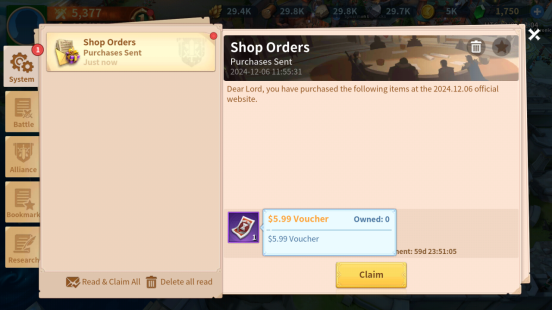
Claim it in the game
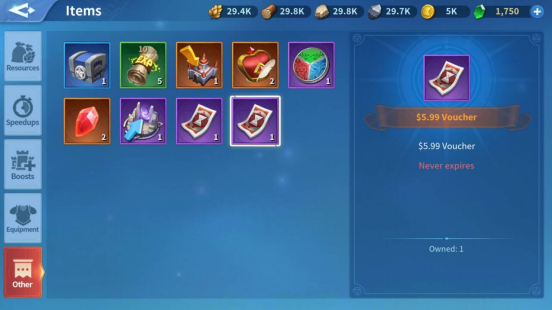
Claim the voucher from your in-game mailbox. You can find it under Items - Other.
- 3
Use your voucher
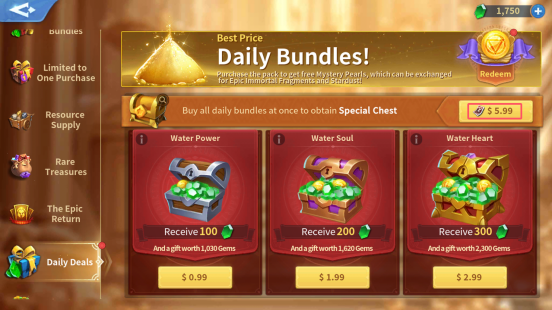
In the game shop, choose an item with the matching amount and a voucher icon. The voucher is deducted when you buy it.